
Invite the team once
Members, roles, and company context start in Workspace and flow into Calendar, Meetings, Marketing, CRM, and future products.
Now you spend time managing multiple tools.
Bookings, meeting notes, CRM updates, and follow ups should not live in separate places. They should become one customer record your team and AI agents can actually use.
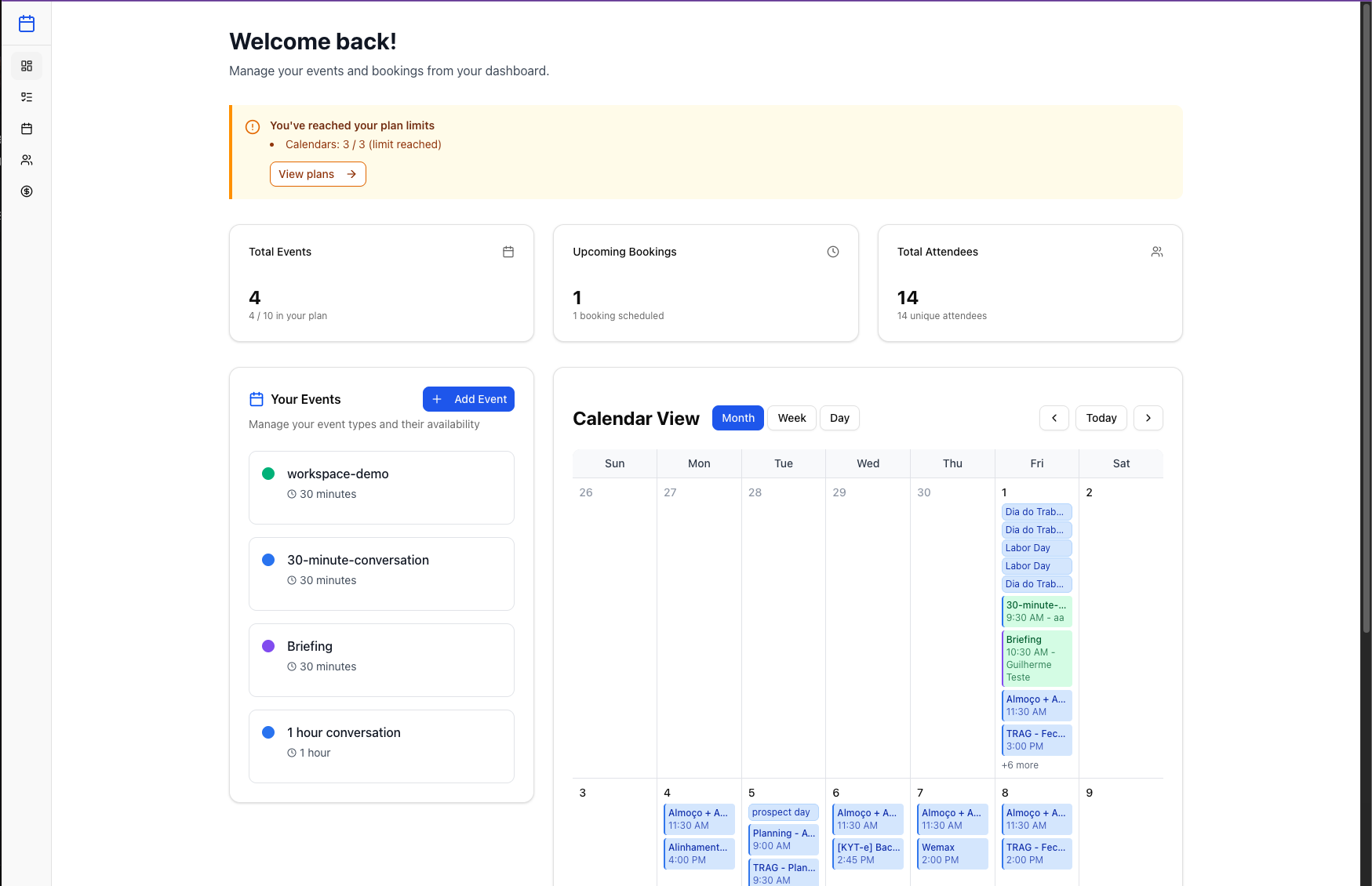
Calendar knows when they booked. Meetings knows what they said. CRM knows the opportunity. Marketing knows the follow up. Workspace keeps those pieces connected so the customer story does not break between tools.
Members, roles, and company context start in Workspace and flow into Calendar, Meetings, Marketing, CRM, and future products.
Permissions, approvals, and product access live in one place instead of drifting across separate product settings.
Start with Calendar, add Meetings, then expand into Marketing and CRM without resetting identity, billing, or roles.
Before Workspace
Each app solves one piece, but the customer story still gets split across tabs, subscriptions, and manual updates.
After Workspace
Bookings, conversations, CRM updates, follow ups, and AI assisted actions stay attached to the same customer context.
Request a demo to walk through the customer workflow your team already runs every day: bookings, meetings, CRM updates, marketing follow ups, and the AI agents that can help move work forward.
We look at where bookings, notes, CRM updates, and follow ups are split today.
context.auditCalendar, Meetings, CRM, and Marketing share the same account context instead of creating separate versions of the customer.
customer.recordAI agents can help with follow ups, routing, and updates because they operate inside the same workspace context as your team.
agent.accessThe workspace keeps moving forward: some modules are usable today, some are being built, and every new product adds more context to the same customer story.
Beta
Scheduling and availability connected to company roles and routing.
In progress
Meeting capture, summaries, and follow up tied to workspace owners.
Coming soon
Campaign planning and growth workflows connected to company context.
Coming soon
Pipeline, contacts, and revenue workflows connected to meetings and workspace roles.
Exploring
Link tracker, Forms & Surveys, and Project Management workflows connected to the same workspace foundation.
Workspace is not just a launcher. It is Lupit’s first party identity layer: one login, one company context, one role model, and one product access system across the suite.
One workspace profile, billing account, and member directory for every product.
Owner, manager, editor, participant, and reader level access.
Central permissions that each product inherits instead of redefining.
Bring bookings, meetings, CRM, marketing, and AI assisted work into one connected customer workflow.